
KB Snap
Compress photos, Images to any KB size for forms, uploads and applications.
About the App
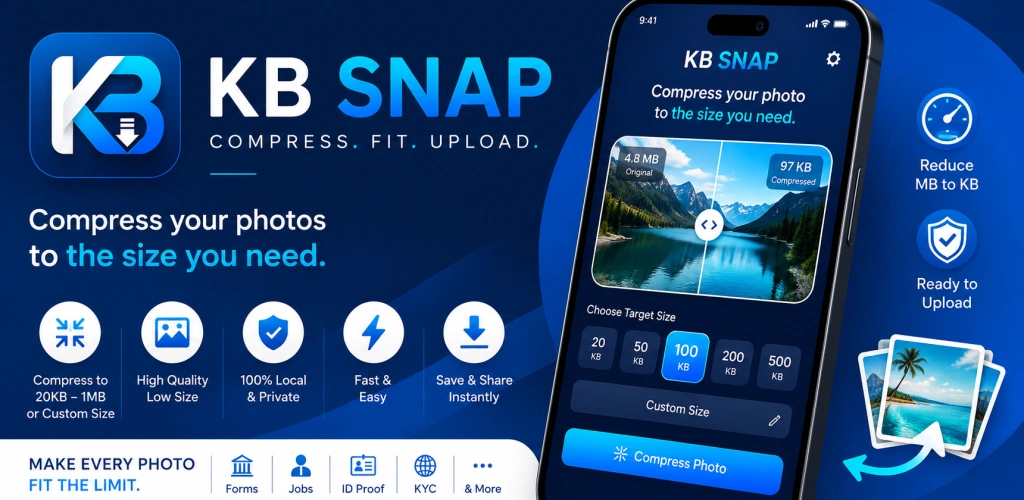
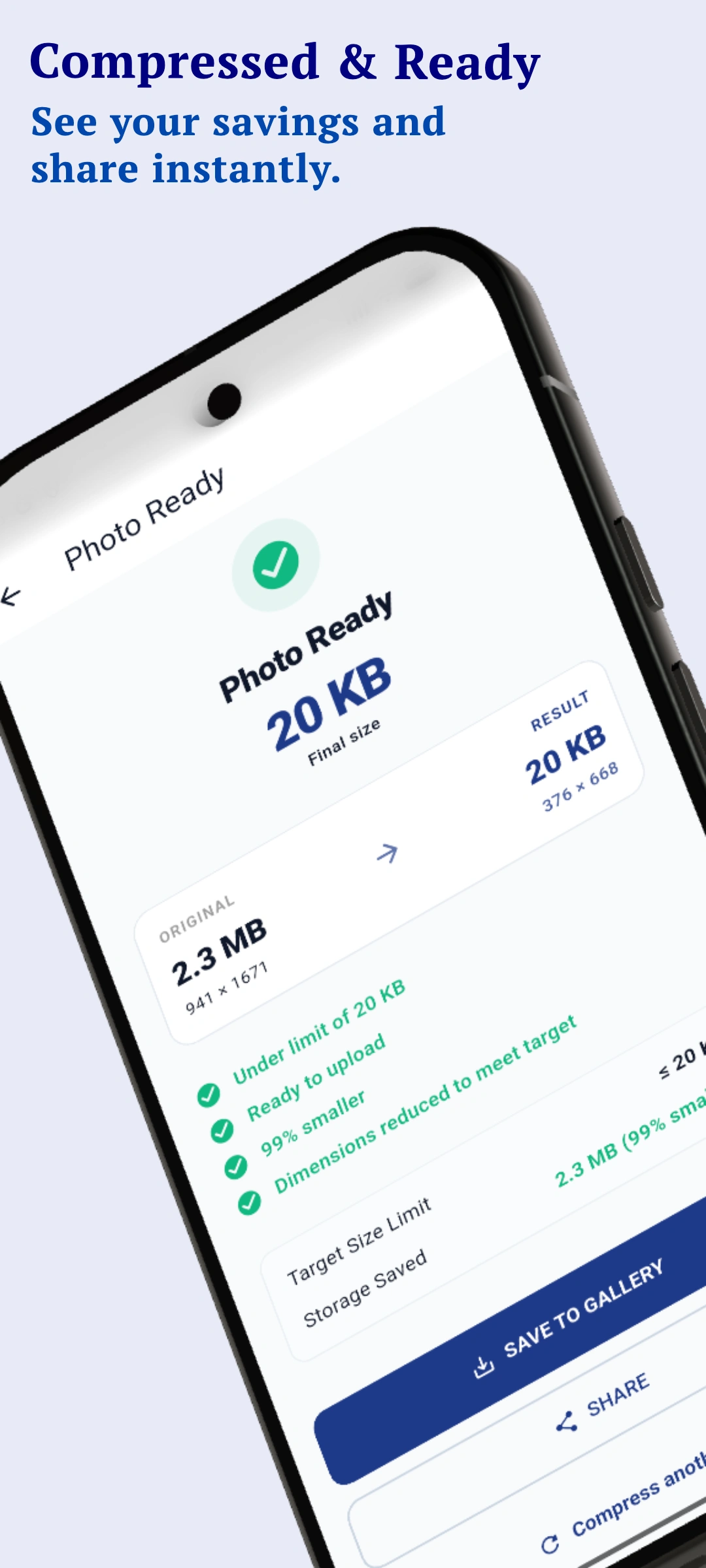
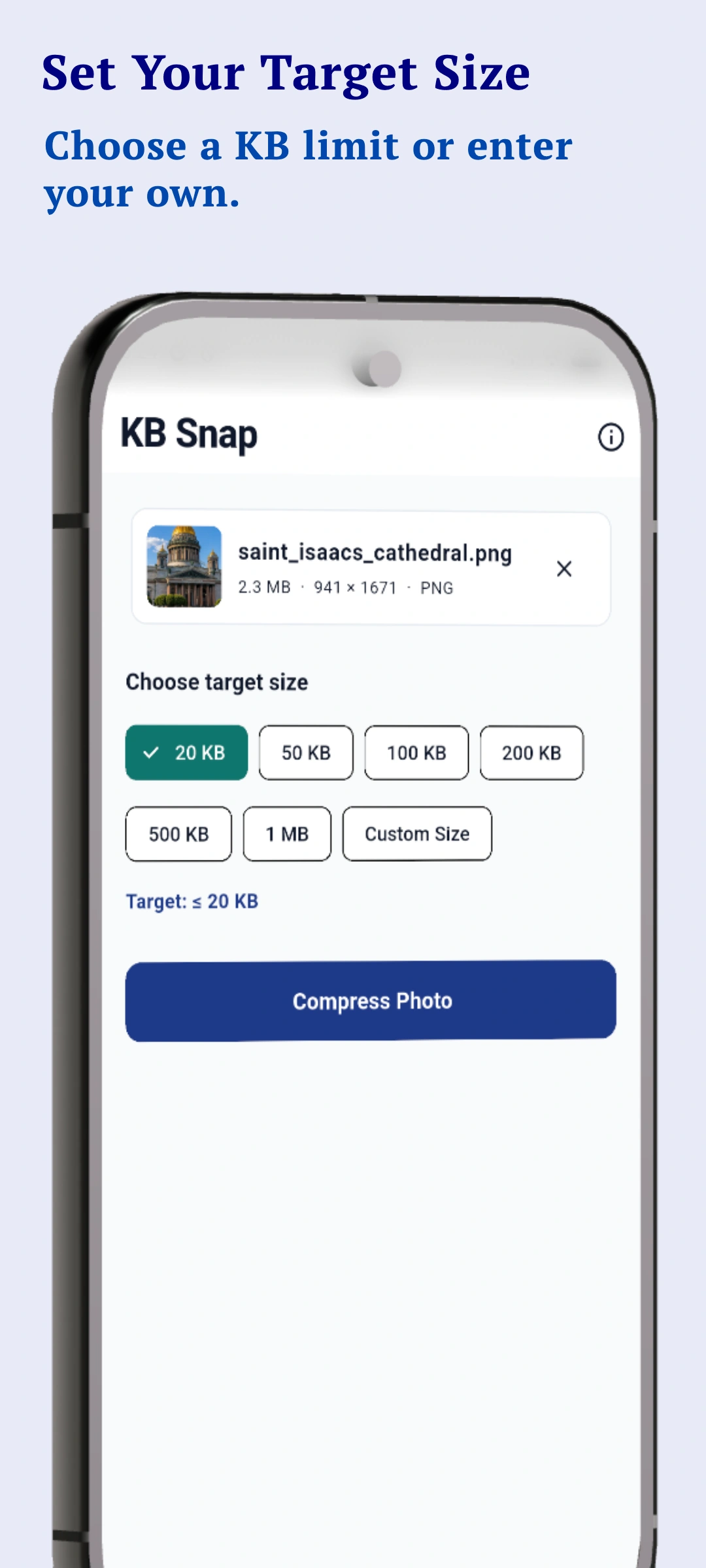
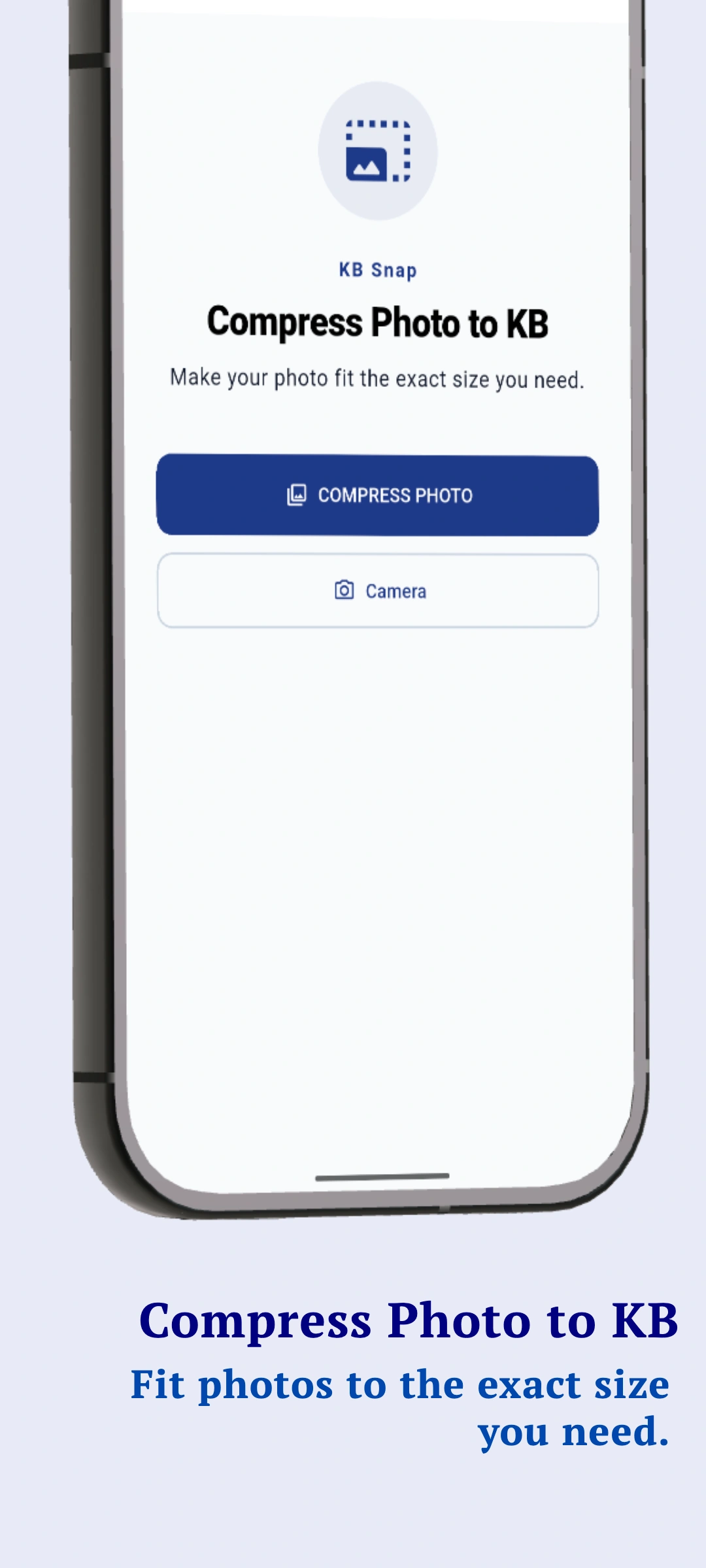
KB Snap makes it easy to compress photos to the exact file size you need. Need a photo under 20 KB, 50 KB, 100 KB or 200 KB? Select your photo, choose the target size, and KB Snap optimizes it automatically. Perfect for: • Online forms • Government applications • Exam applications • Job applications • ID and document uploads • Websites with photo size limits • Any upload requiring a specific KB limit FEATURES ✓ Compress photos to a target KB size ✓ 20 KB, 50 KB, 100 KB, 200 KB, 500 KB and 1 MB presets ✓ Custom target size ✓ Maintains image aspect ratio ✓ Shows original and final file size ✓ Save compressed photos to your gallery ✓ Share compressed photos instantly ✓ Works directly on your device ✓ No cloud upload required KB Snap is designed to make photo size reduction fast and simple. Your photos are processed locally on your device.
Key Features
- ✓ Compress photos to specific target KB sizes
- ✓ Batch photo resizing and image scaling
- ✓ Aspect ratio cropping for signature and passport photos
- ✓ 100% offline-first processing for absolute privacy
- ✓ No server uploads, ads, or tracking
- ✓ Clean, modern user interface
App Details
App Showcase & Screenshots
Zero Server Processing. Complete Control.
Like SudoGrep's online tools, Image Compressor: MB to KB is built with privacy at its core. All data stays local to your smartphone. We do not track, upload, or collect your files. Zero ads, zero registration, completely safe to use.
Frequently Asked Questions
How does KB Snap compress images?
KB Snap uses on-device JPEG encoding algorithm that optimizes the image byte size without uploading it to any server. Everything happens locally on your smartphone.
Does KB Snap support batch compression?
Yes! You can select and compress multiple photos at the same time completely offline.
Can I crop photos for passport or signature limits?
Yes, the app has preset aspect ratio cropping tools built specifically for standard government portal uploads.