
File Forge
Convert, compress & edit media files! Extract metadata, text, PDFs & scan QR.
About the App
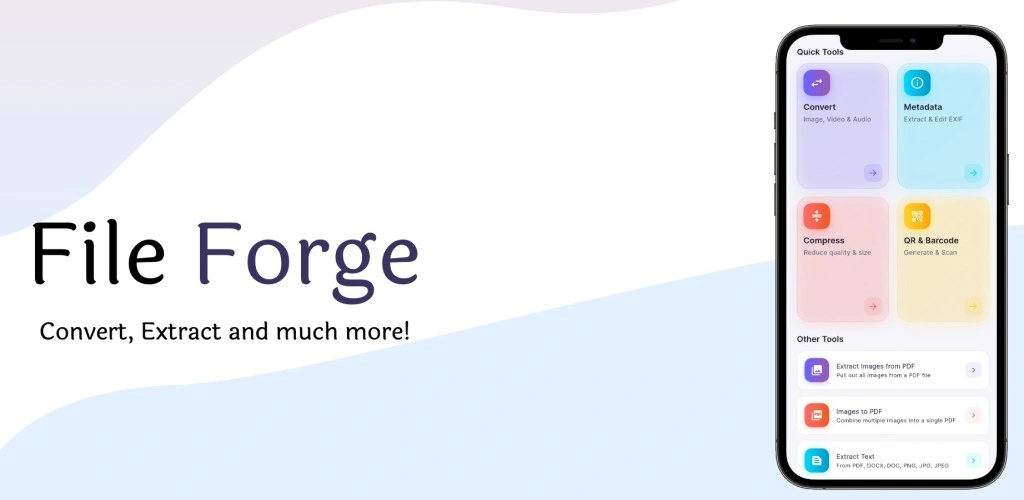
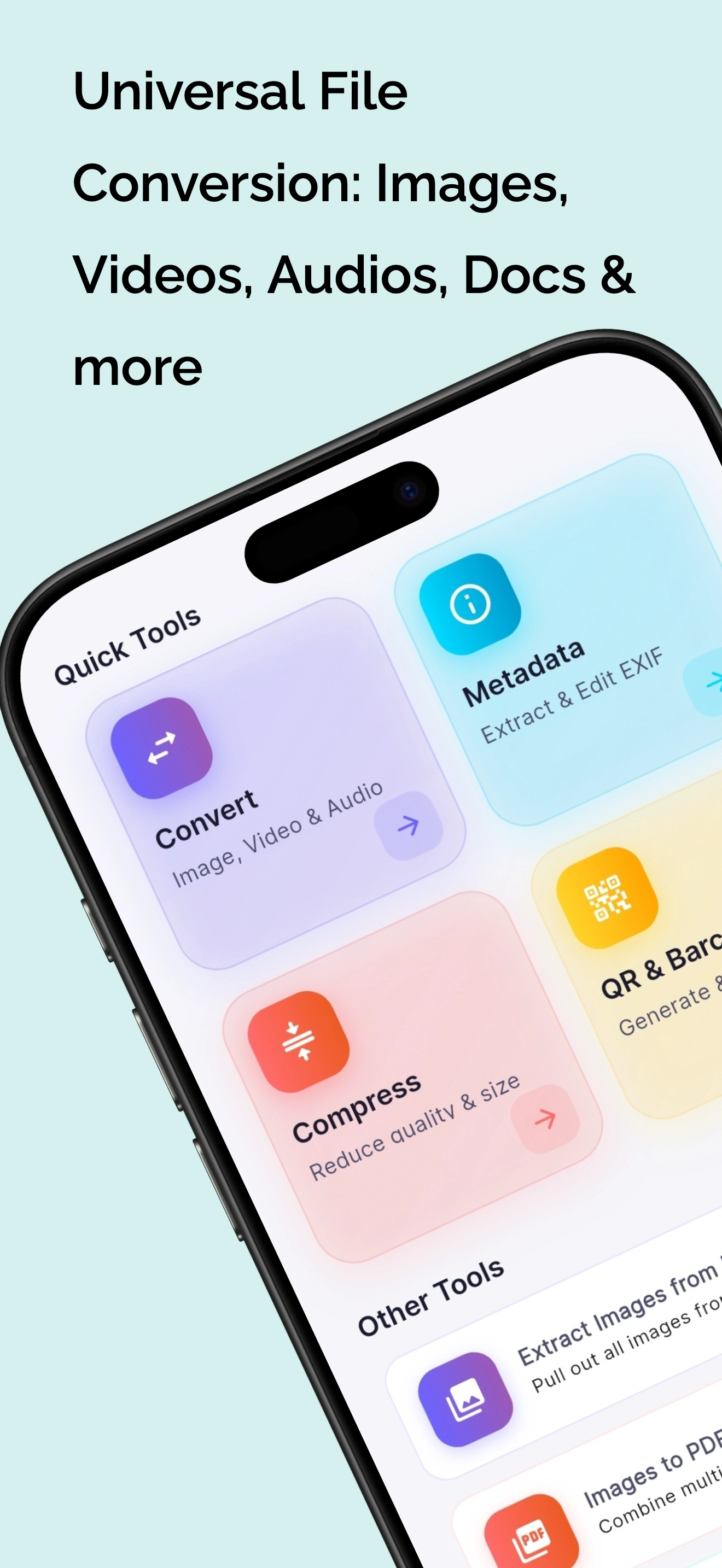
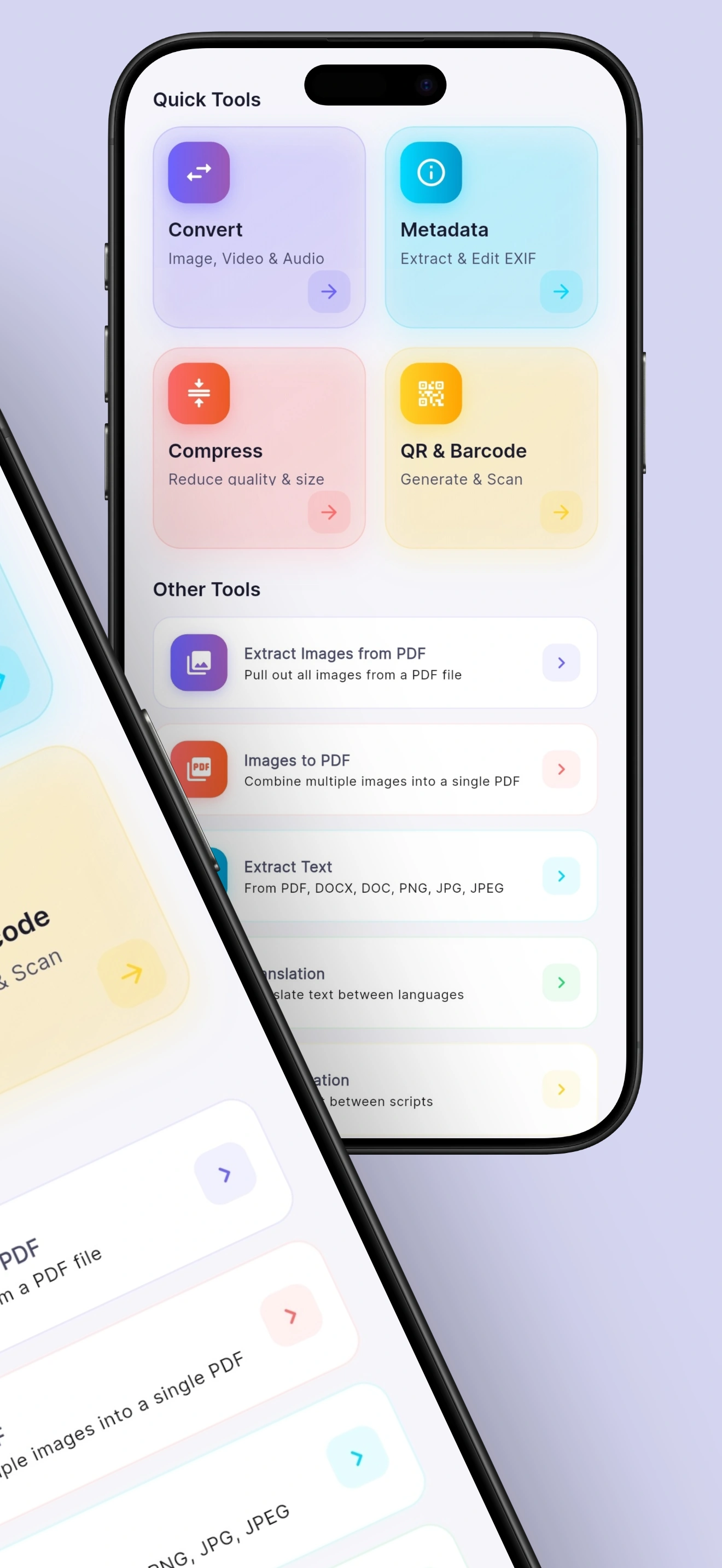
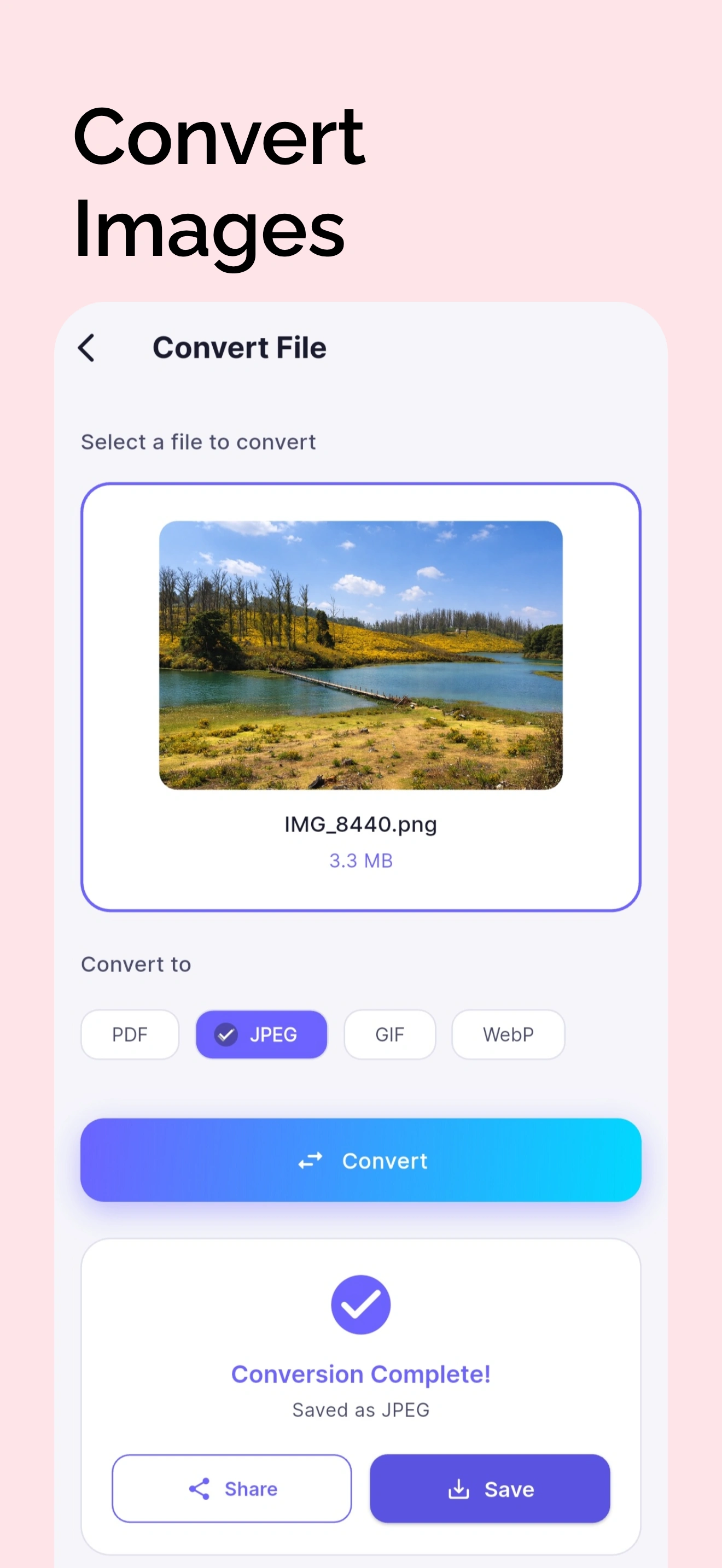
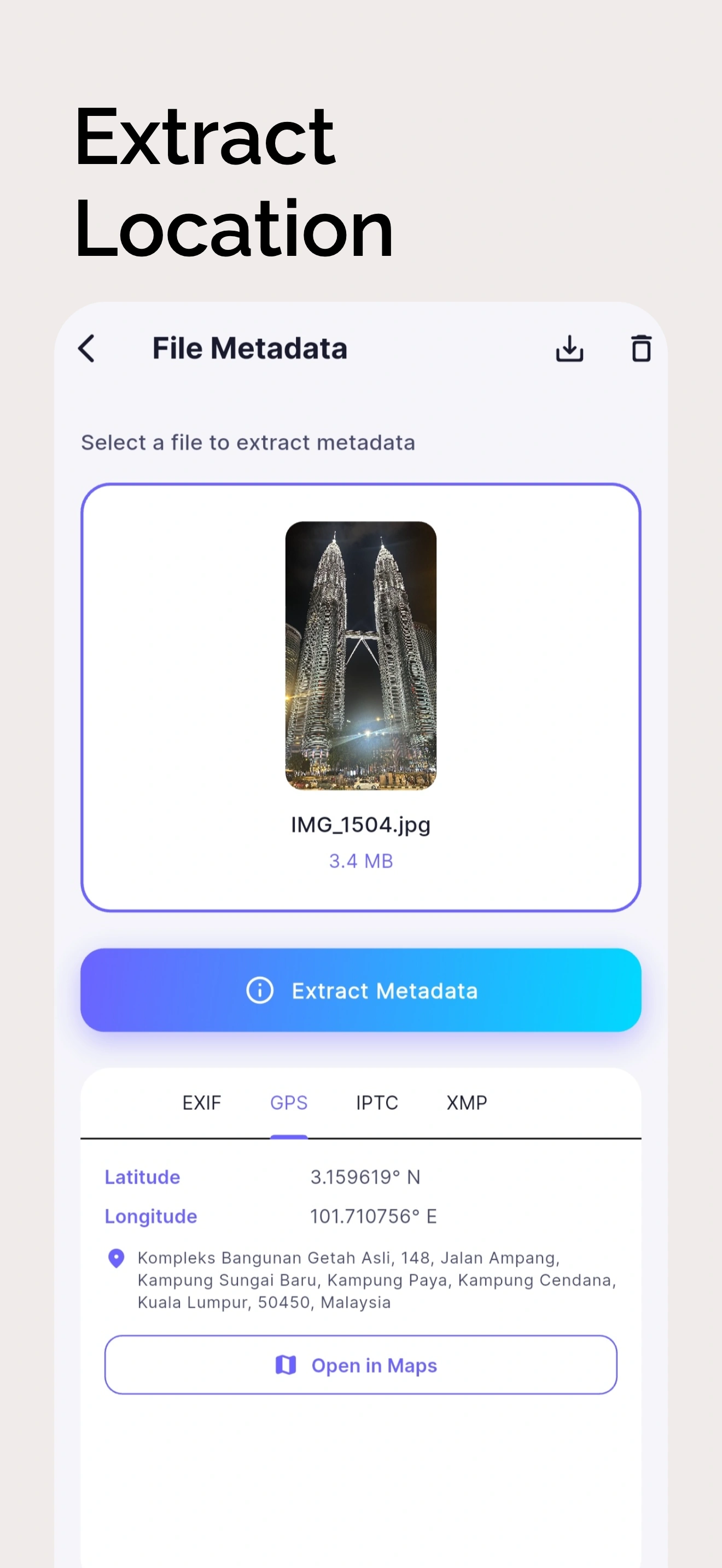
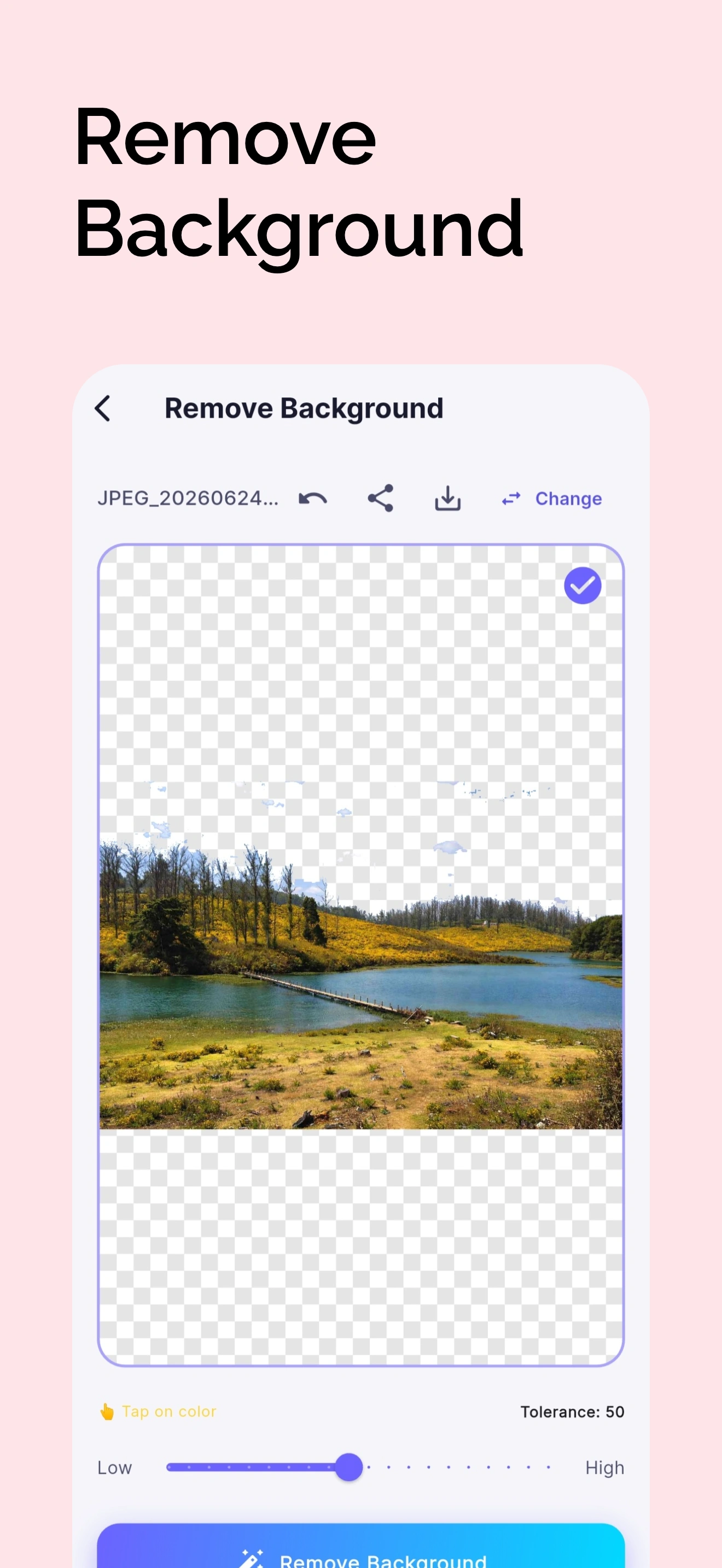
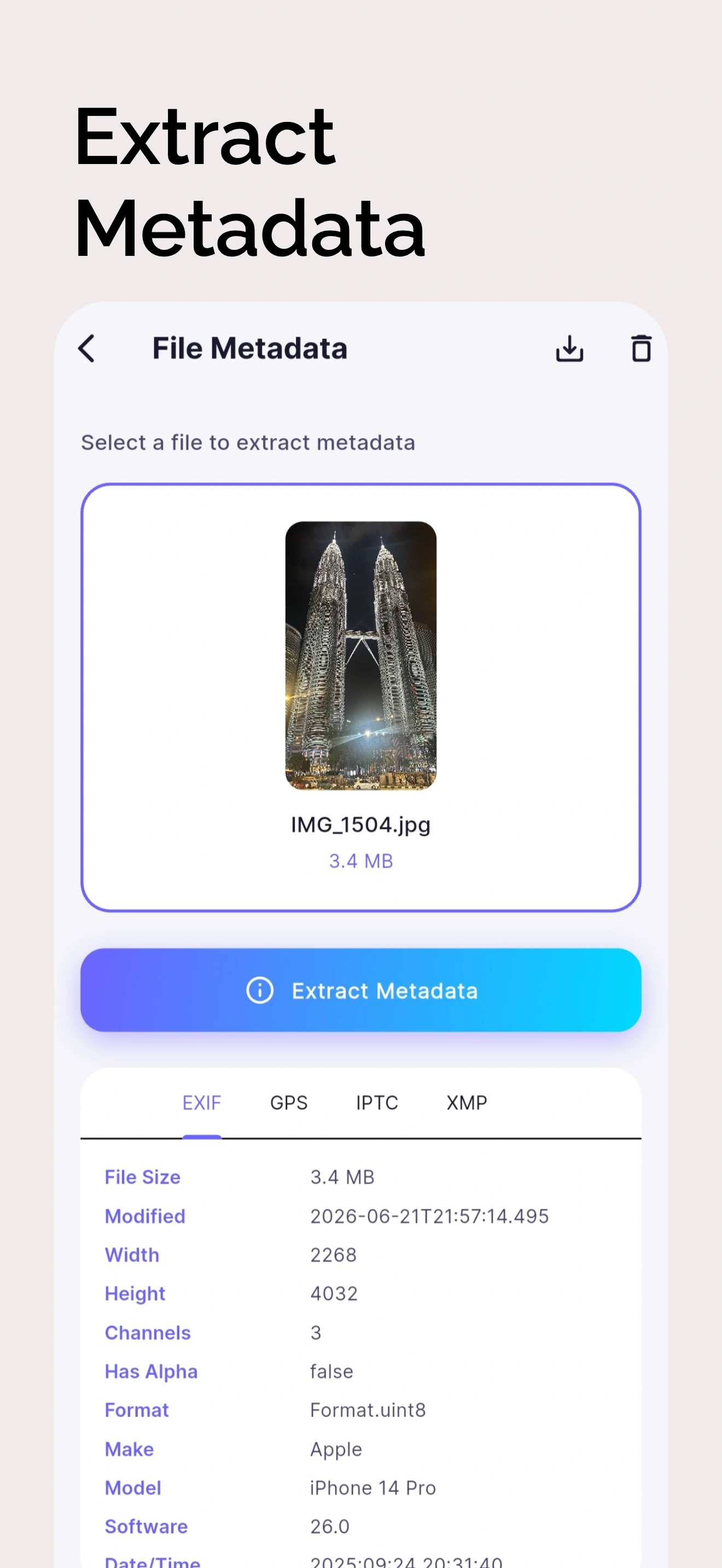
Meet File Forge, your ultimate all-in-one utility app for handling files effortlessly! Whether you need to convert formats, compress file sizes, extract important metadata, or perform advanced document and media editing, File Forge is the only tool you need. 🚀 Key Features: 🔄 Universal File Conversion • Images: Convert to PDF, JPEG, PNG, GIF, and WebP. • Videos: Convert to MP4, AVI, MKV, MOV, and WMV. • Audio: Convert to MP3, WAV, AAC, FLAC, and M4A. 🗜 Compression & File Sizing • Quickly reduce the file size of your images, videos, and audio without losing quality. Optimize files to save storage space or to quickly share them on the internet! ✂️ Image & Video Editing (New!) • Need a quick adjustment? Easily crop your images to perfection or trim your videos to keep only your favorite moments. 📄 PDF & Document Utilities (New!) • Images to PDF: Conveniently merge multiple images into a single, clean PDF document. • Extract Images from PDF: Instantly pull all images out of any PDF file. • Extract Text (OCR): Identify, grab, and copy text directly from images and documents! 🌐 Translation & Transliteration • Use our built-in text translation and transliteration to instantly convert extracted text and break down language barriers. 📊 Metadata Viewer & Editor (EXIF/GPS) • Dig deep into your media! View, modify, or delete metadata (EXIF, GPS, IPTC, XMP) for your photos, videos, and audio clips. Experience it with real-world location mapping! 🔍 Barcode & QR Scanner • Generate custom QR codes and Barcodes, or scan existing ones instantly with our lightning-fast built-in scanner. ✨ Packed with Extras! • 📋 Seamless Copying: Instantly copy extracted text, QR scans, or metadata to your clipboard. • 📂 Open on Save: Open files immediately after saving them right from the prompt. • 🌙 Dark Mode: Easy on the eyes for night-time productivity. • 🌎 Multi-lingual Support: Available in multiple languages for global accessibility. • 📤 Save & Share: Export your edited and converted files seamlessly to your device or share them on any app. Download File Forge today and unlock an entire suite of powerful tools right in your pocket. Say goodbye to downloading multiple cluttered apps for basic file tasks!
Key Features
- ✓ Universal image, video, and audio conversion
- ✓ EXIF/GPS metadata viewer and editor
- ✓ Document compression and PDF utilities
- ✓ On-device OCR text extraction
- ✓ Offline translation and transliteration tools
- ✓ Quick QR code scanner and generator
App Details
App Showcase & Screenshots
Zero Server Processing. Complete Control.
Like SudoGrep's online tools, File Forge: Convert & Extract is built with privacy at its core. All data stays local to your smartphone. We do not track, upload, or collect your files. Zero ads, zero registration, completely safe to use.
Frequently Asked Questions
Can File Forge convert files offline?
Yes, all document and file conversions are executed completely locally inside your Android device sandbox.
What file formats are supported?
It supports popular formats including JPEG, PNG, WebP, PDF documents, and txt files.
Does the OCR text extraction require internet?
No, the OCR scanning uses on-device machine learning models to extract text without an active internet connection.